


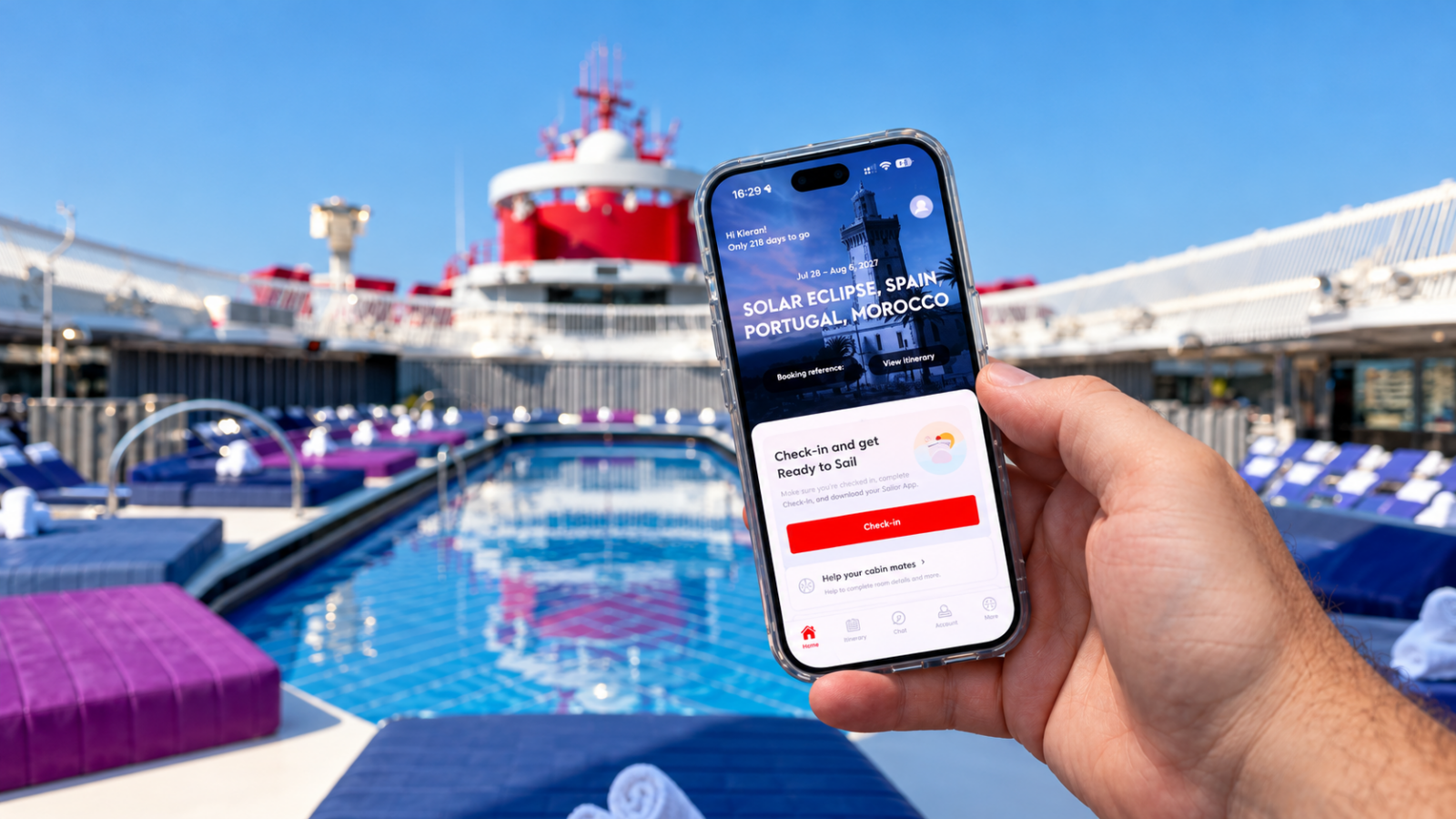
Quick answer Download the Virgin Voyages app, log in and tap “Connect a booking” with your booking number, surname and date of birth. Use it to complete online check-in, book restaurants and Shore Things as soon as your fare’s booking window opens, then on board use it with the ship’s Wi-Fi for your schedule, bookings, bar tab and messages to Sailor Services. Ship Eats room service is currently ordered only on the tablet in your cabin, not the app.
The app runs almost everything on a Virgin Voyages holiday. Get it set up properly at home and embarkation day is easy. Leave it until the taxi to the port and you’ll be the person queuing at Sailor Services. Here’s how we use it on every sailing.
Which Virgin Voyages app do I need?
Just one: the Virgin Voyages app. Virgin launched it in 2025 to replace the original Sailor App, which has now been retired, and everything has moved across, including Shake for Champagne. The only thing it doesn’t do yet is Ship Eats room service, which you order on the tablet in your cabin.
Our advice: if you still have the old Sailor App on your phone, delete it and download the new Virgin Voyages app instead: App Store or Google Play.
Before you sail
1. Download the app and create your account
Download the Virgin Voyages app from the App Store (iPhone) or Google Play (Android). Create an account using the exact same first name, surname and email address that are on your booking. If they match, the booking can attach itself automatically.
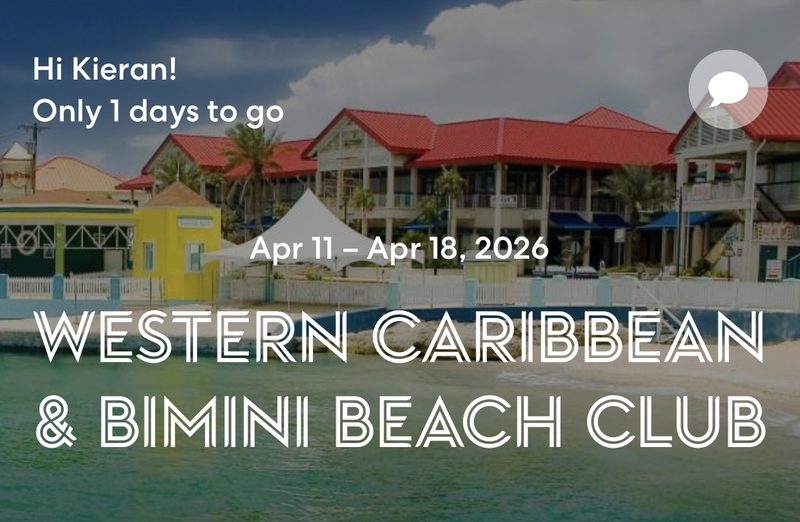
2. Connect your booking
If your booking doesn’t appear, tap Connect a booking and enter your booking number, surname and date of birth. If we booked your holiday, we’ll send you the booking number in your confirmation. Each Sailor in the cabin should connect on their own phone, so you can each make bookings and see your own tab.
3. Complete online check-in
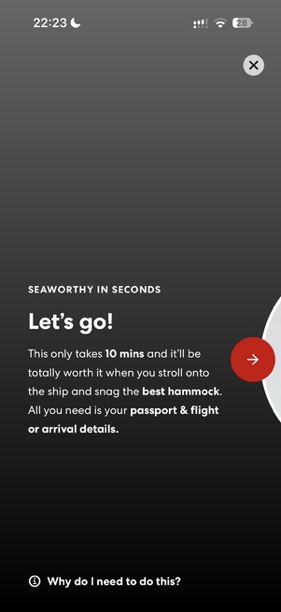
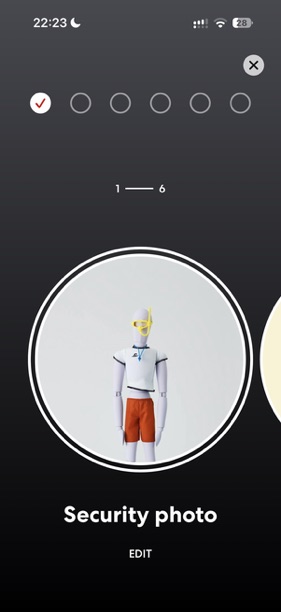
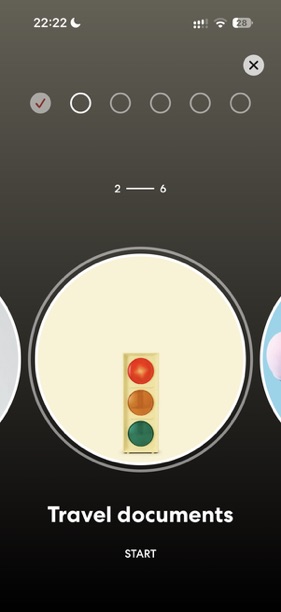
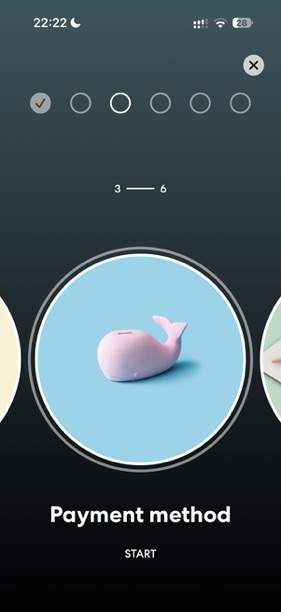
Check-in is done in the app and you can start it as soon as your booking is made. You need to finish it before you sail. Virgin says it takes about 10 minutes, and all you need is your passport and your flight or arrival details. There are six steps:
- Security photo: a clear selfie against a plain background.
- Travel documents: your passport details.
- Payment method: the card for your onboard tab.
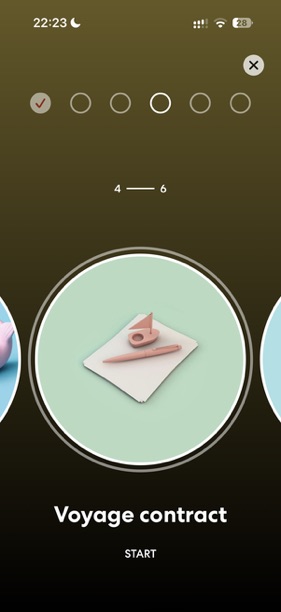
- Voyage contract: read and accept Virgin’s terms.
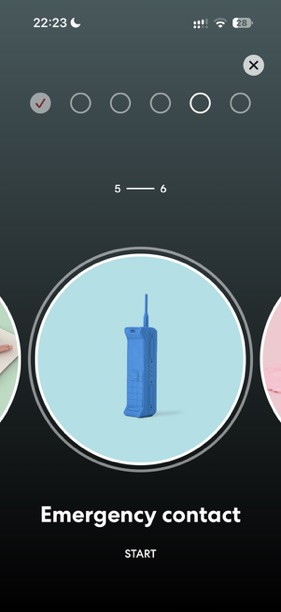
- Emergency contact: someone at home who isn’t sailing with you.
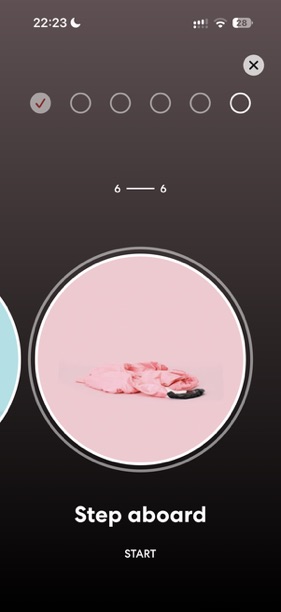
- Step aboard: your arrival details and port arrival time.
Take your photo in good daylight with no hat or sunglasses. A poor photo is the most common reason we see check-in get stuck.
Our top tip: start check-in straight away, because that’s when you pick your port arrival time. Unless you have Deep Blue Extras or a package with priority boarding, you’re likely to get an afternoon arrival slot, and Virgin is strict about arrival times, so starting early gives you the best chance of an earlier slot. We cover this in our first things to do after booking and first Virgin cruise guides.
4. Book restaurants
All six restaurants are included, but tables are booked through the app and go fast. Your booking window depends on your fare: Base opens 15 days before sailing, Essential 45 days, Premium 60 days, and RockStar and Mega RockStar 120 days. We estimate around 75% of tables are gone before the ship leaves port. Set a reminder for the morning your window opens. See our VoyageFair Choices guide for what each fare includes, and our restaurants guide to plan where to eat.
There’s no official waitlist in the app, but dining times change all the time as Sailors swap, so keep checking. On board, standby works: join the line outside the restaurant and ask, and they’ll give you a time to come back or seat you at the next free table. The dining team is usually in Sip or the Razzle Dazzle space on embarkation day if you want to talk to someone. More in our guide to what to do when restaurants are full.
5. Book shows and Shore Things
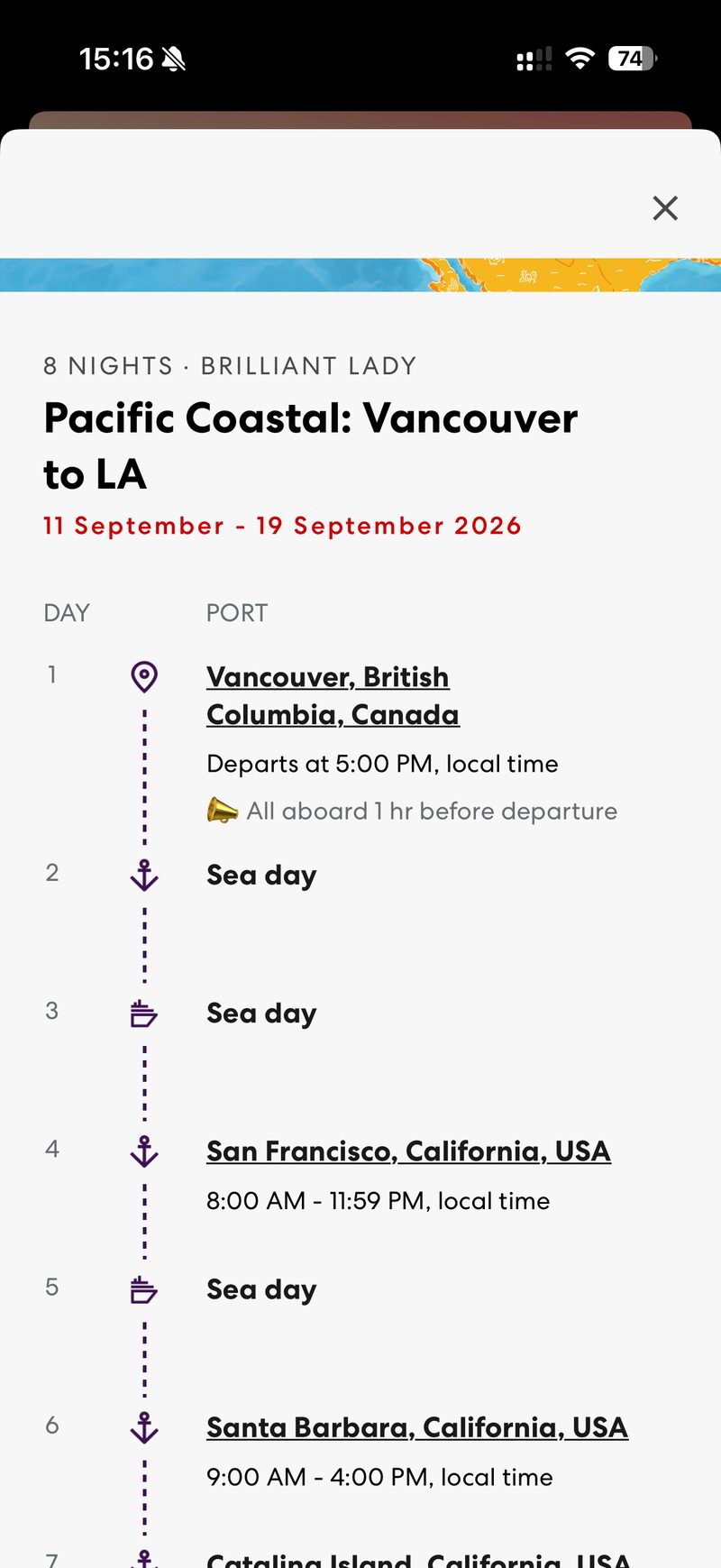
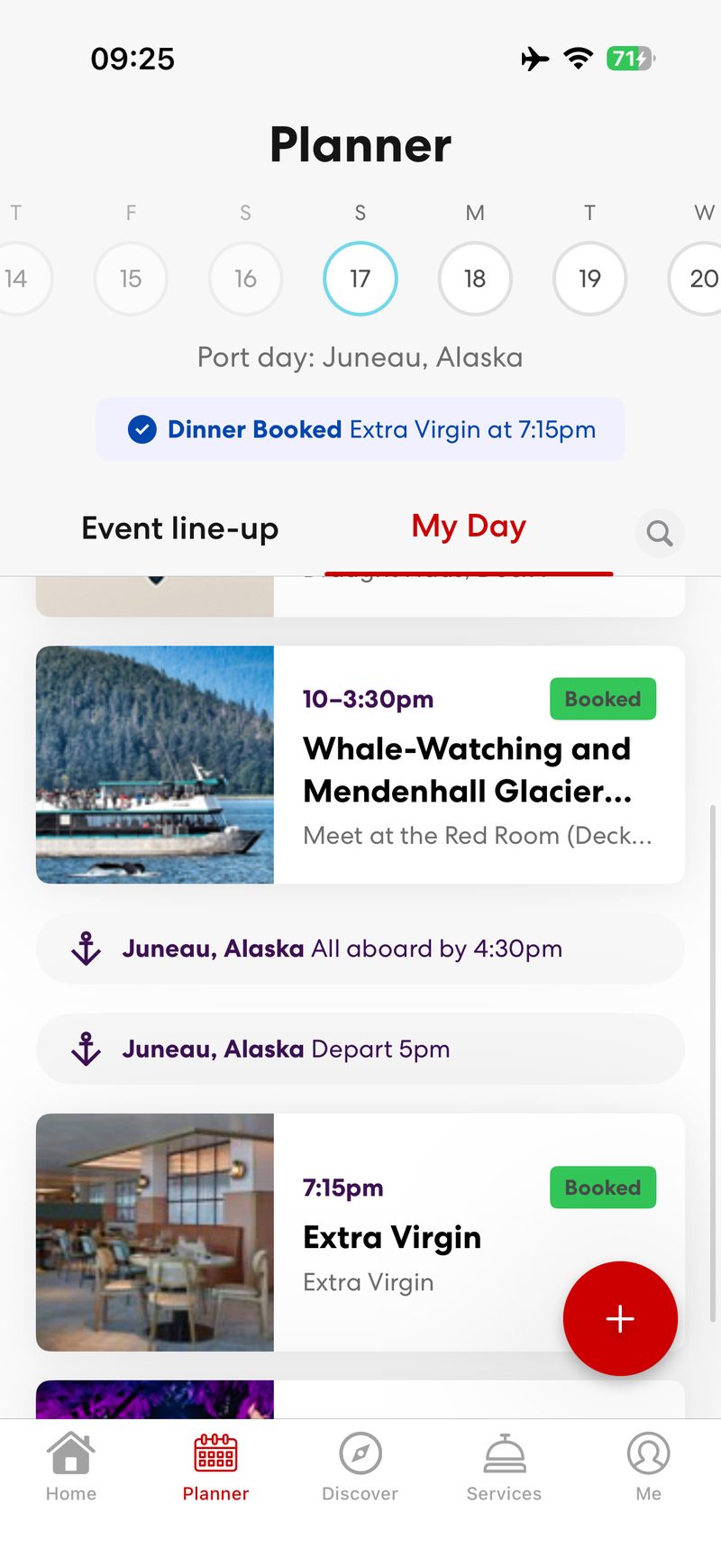
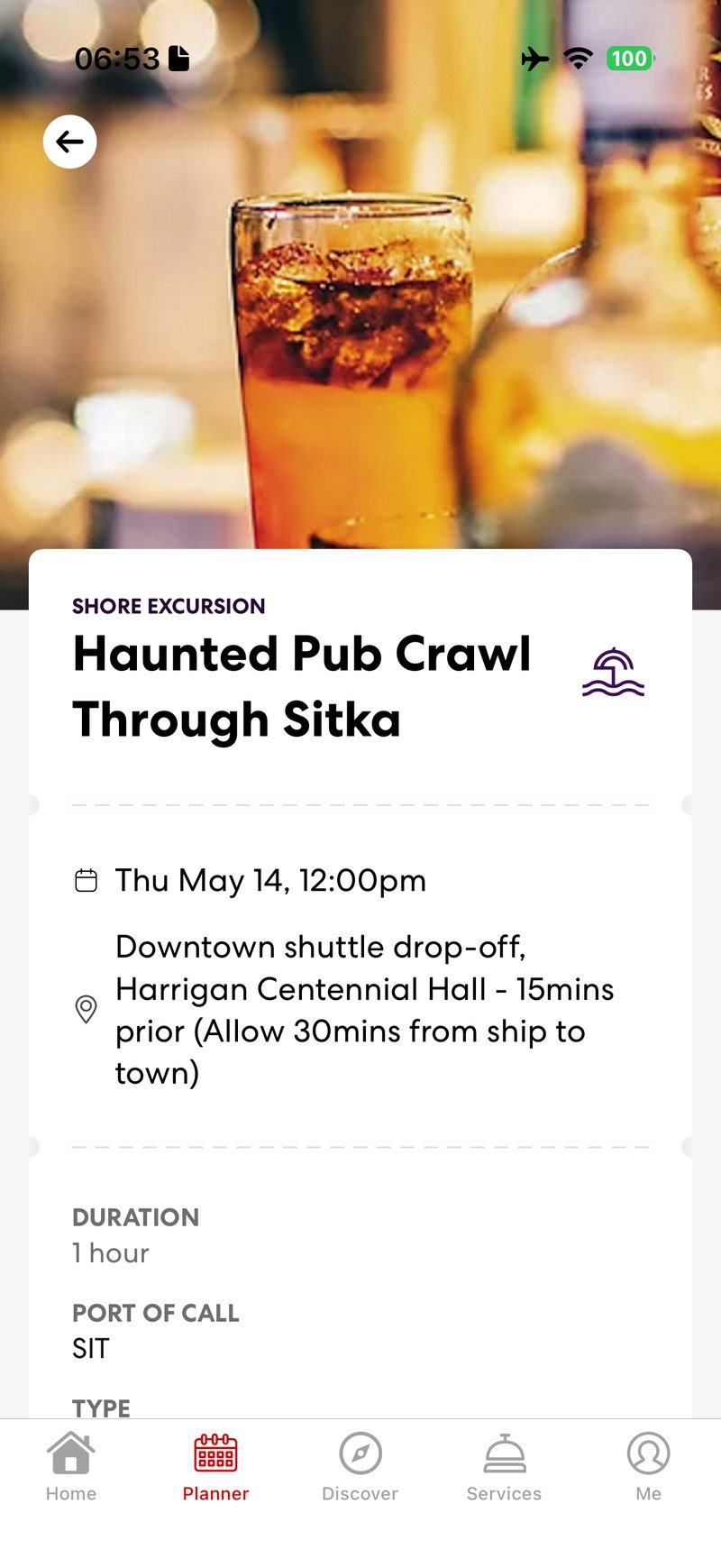
Shows and some events can be reserved in the app, and Shore Things (Virgin’s name for excursions) can be booked and paid for in advance. Popular Shore Things sell out, especially in Alaska and at Bimini. Book the ones that matter early, and grab a tender slot in tender ports like Grand Cayman, Juneau, Santa Barbara and Catalina. On our Alaska sailing in May 2026 we booked a Sitka Shore Thing and a Juneau whale-watching and Mendenhall Glacier Shore Thing in the app before we left home.
It’s worth browsing the offers too. Before our Pacific Coast sailing in September 2026, the app offered us a San Francisco Shore Thing to book in advance, priced in pounds and with a discount.
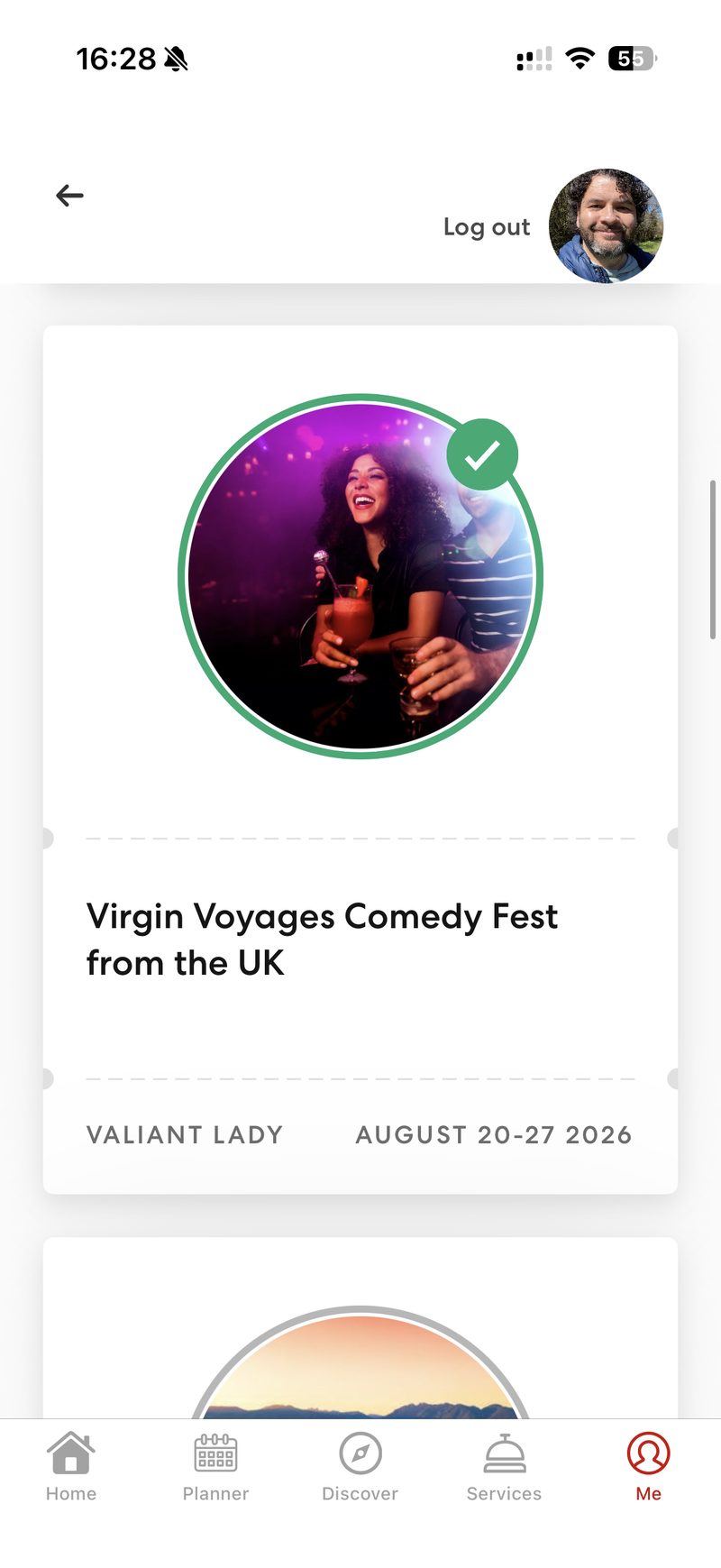
Virgin runs themed parties, and they change. Check the Virgin Voyages app for what’s on your sailing. More in our entertainment guide.

On board
6. Connect to the ship’s Wi-Fi
Once you’re on board, switch your phone to airplane mode (to avoid roaming charges), turn Wi-Fi back on and join the ship’s network. Wi-Fi is included in your fare, and the app needs it for bookings and messaging. The tier depends on your fare: Base includes Basic Wi-Fi on one device, Essential includes Classic Wi-Fi, and Premium includes Premium Wi-Fi for streaming on two devices. If your fare includes Basic or Classic, you can buy an upgrade before you sail or on board.
7. Use your Band
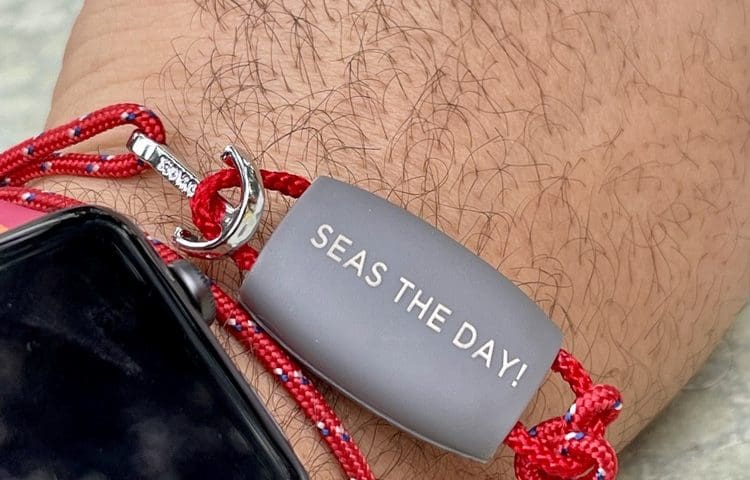
The Band is your cabin key, ID and payment method, worn on your wrist. It’s not part of the app, but everything you spend with it shows in the app. Bands are handed out at the cruise terminal when you check in.
8. Check your daily schedule
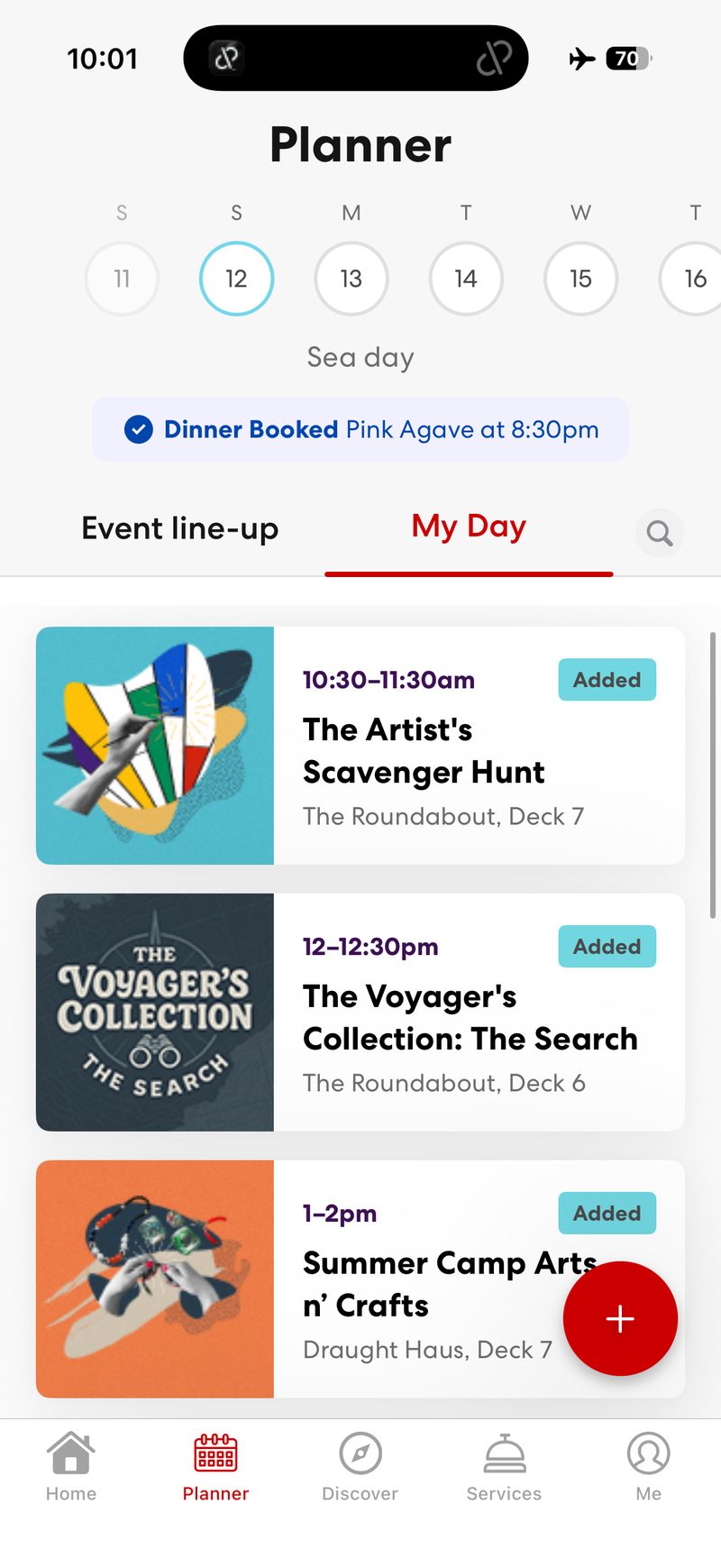
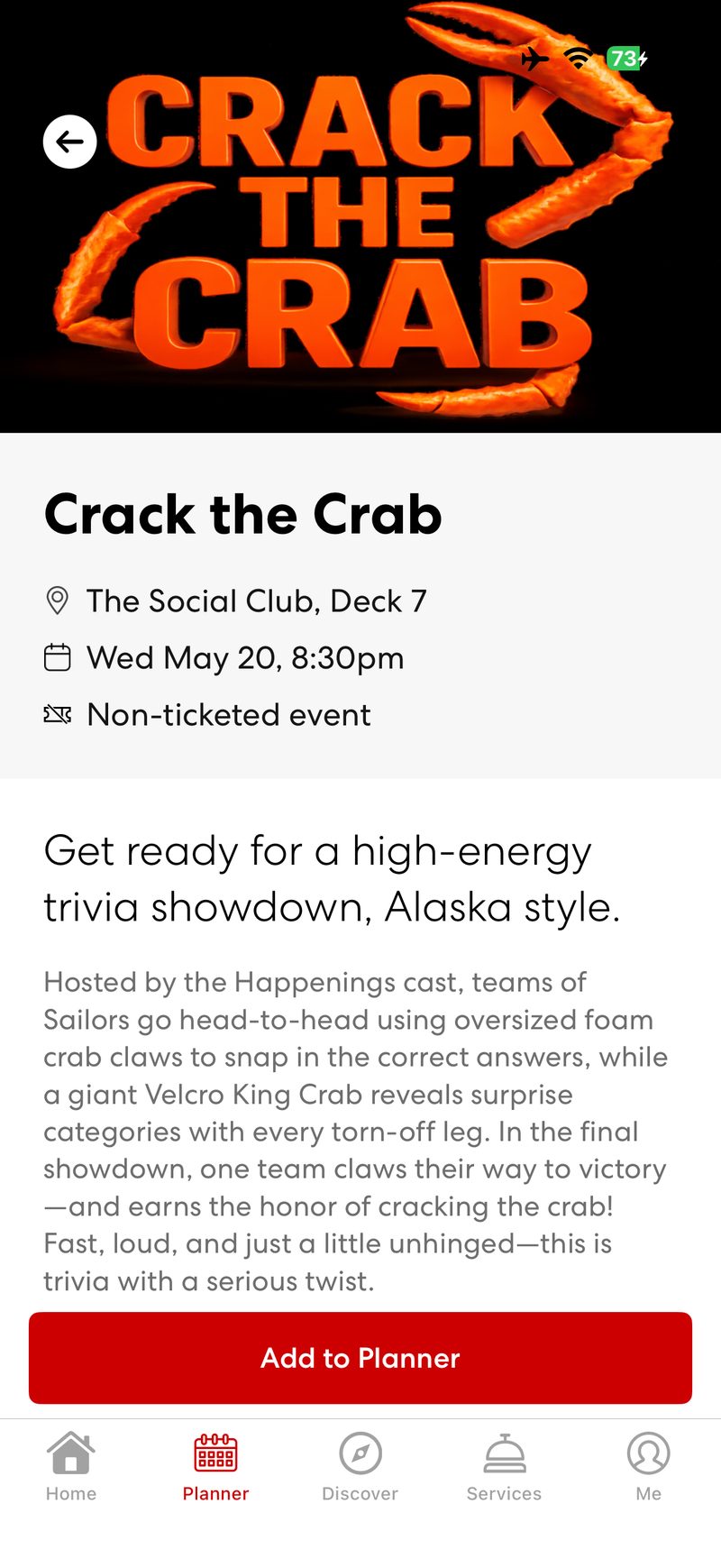
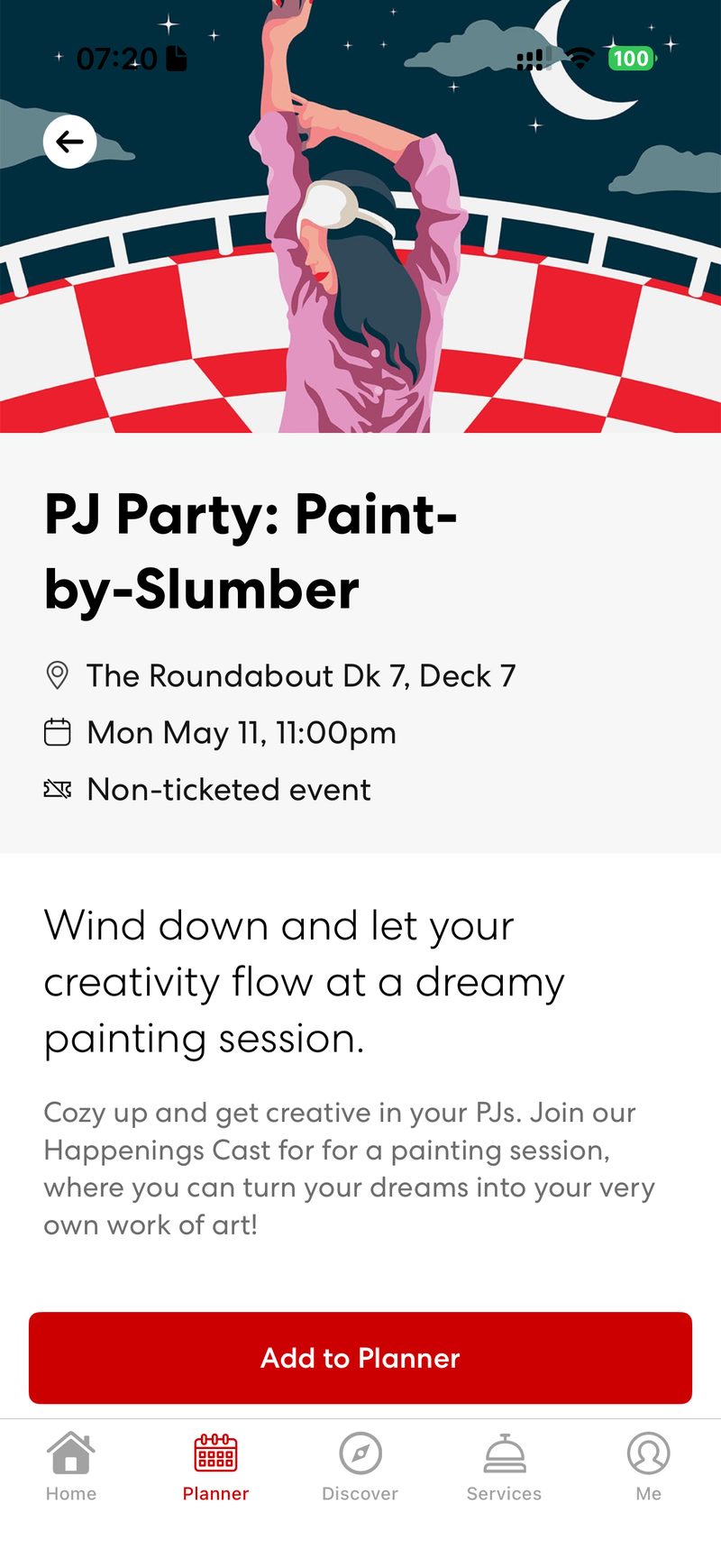
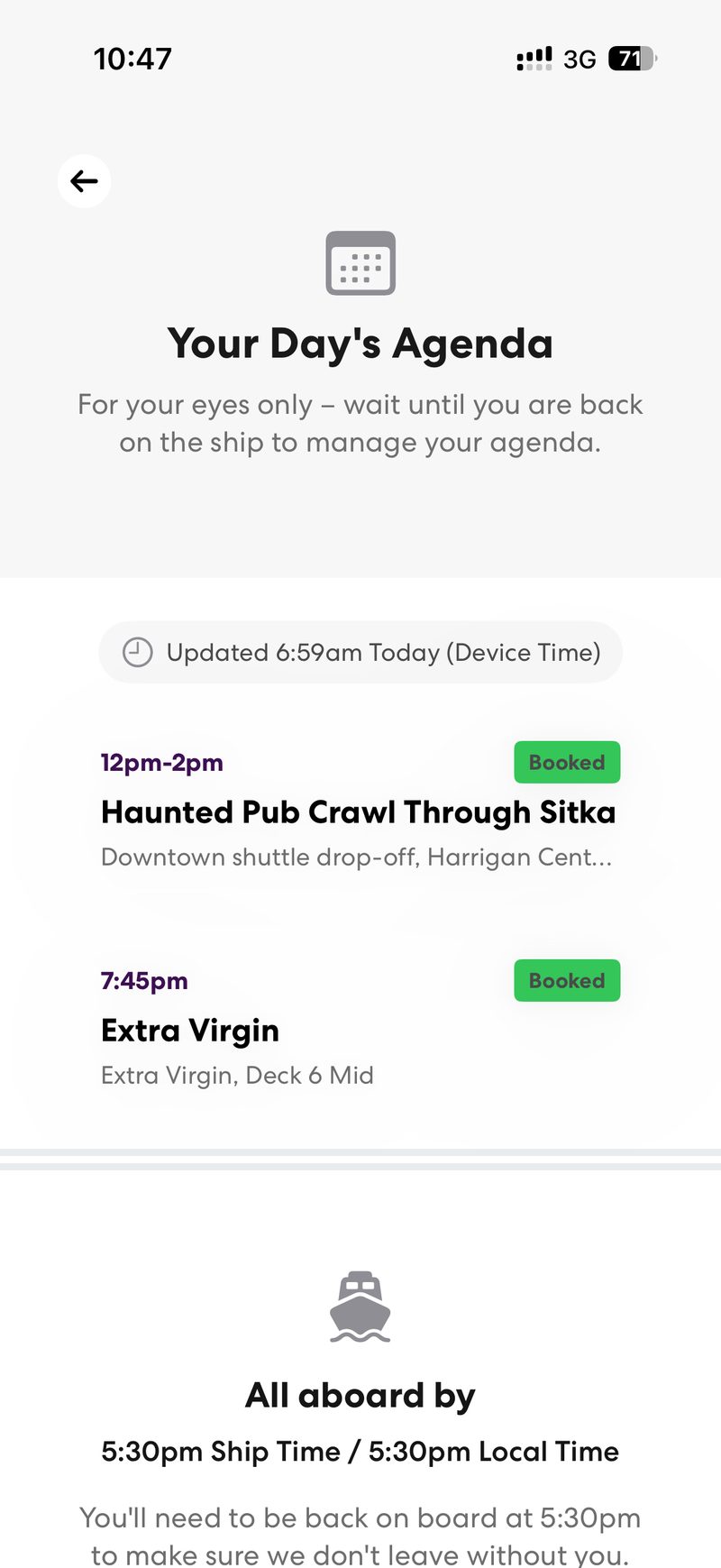
Tap Planner at the bottom of the app. Event line-up shows everything happening on board that day, and My Day shows your own bookings: dinner, Shore Things and any events you’ve added. Tap an event and hit Add to Planner to save it. Your all-aboard time for each port shows here too, in both ship time and local time.
9. Order Ship Eats (on the cabin tablet)
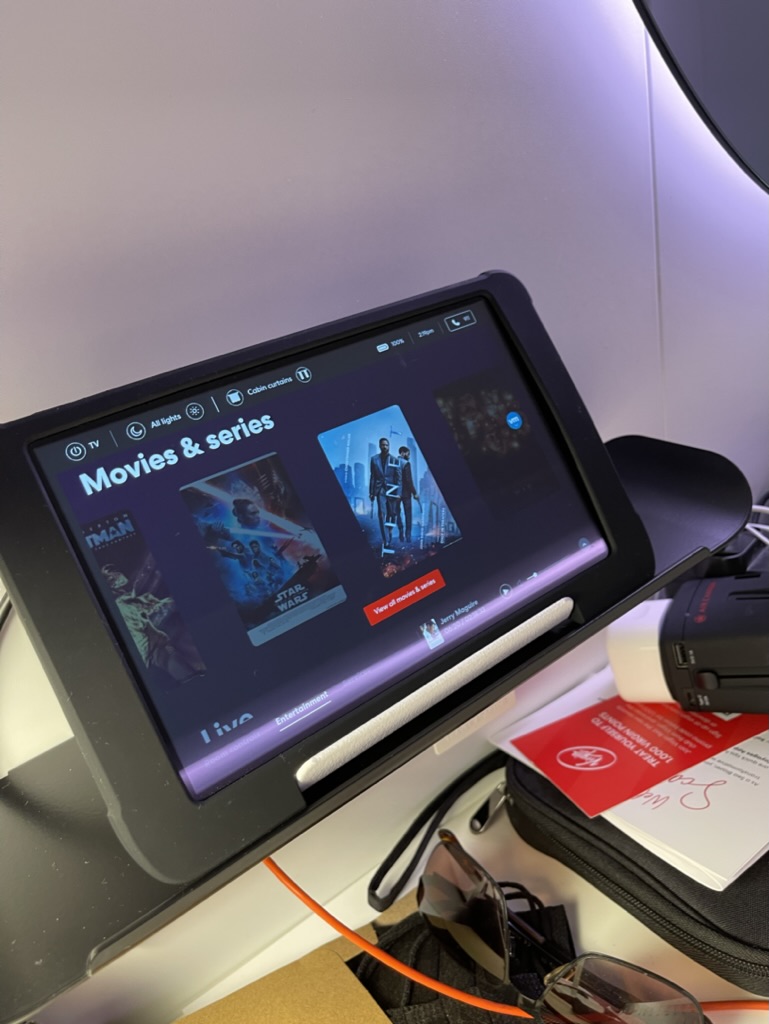
Ship Eats is Virgin’s room service, and it’s currently ordered only on the cabin tablet. It used to be in the app, but the new app doesn’t support it yet, though it should at some point. Use the tablet in your cabin to browse the menu and order straight to your door. There’s a $10 delivery charge, which Virgin waives on orders of $10 or more and for RockStar suites (checked October 2026).
The same tablet runs the rest of your cabin too: the lights, the cabin curtains and the TV, including films and series.
10. Check your bar tab and folio
Your spending appears under My Wallet. You’ll see your Bar Tab balance, onboard credit and charges, and you can download a PDF statement. Remember Bar Tab is spent before onboard credit. Check it daily so there are no surprises on the final morning. Our bar tab calculator helps you budget.
11. Message Sailor Services
Need a towel, a dinner change or help with your tab? Use the messenger in the app rather than queuing. For anything urgent, Sailor Services is on Deck 5.
Our top app tips
- Log in at home and check every Sailor’s booking is connected weeks before you sail.
- Screenshot your booking number and keep it in your photos.
- Download a PDF of your tab on the last night.
- Keep checking the Planner for dining times. They change constantly as other Sailors swap.
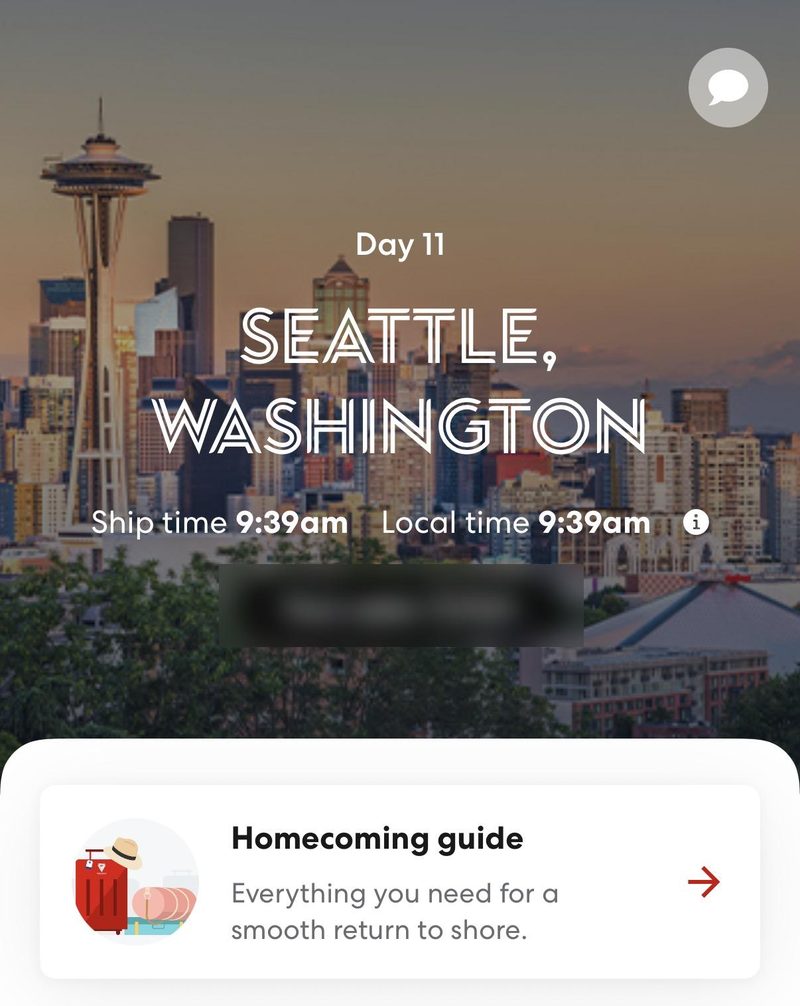
- Open the Homecoming guide on your last day. It has everything you need for getting off the ship.
FAQs
Is the Virgin Voyages app free? Yes. It’s free to download, and using it on the ship’s Wi-Fi is included.
Do I need Wi-Fi to use the app on board? Yes, connect to the ship’s Wi-Fi. You don’t need mobile data, so keep airplane mode on.
Can I use the app if I booked through a travel agent? Yes. Connect your booking with the booking number, surname and date of birth.
When can I book restaurants in the app? It depends on your fare: 15, 45, 60 or 120 days before sailing.
Why can’t I see Ship Eats in the app? Because it’s currently ordered only on the tablet in your cabin. It used to be in the app, and the new app doesn’t support it yet, though it should at some point.
Can my partner see my bookings? Each Sailor connects the booking on their own phone. Bookings made for the cabin show for both.
Plan it with us
Booking with us means a real person to help when the app is being stubborn, and dining-window reminders before they open. Call 07307 602030, email hello@magical-traveller.com or see our first Virgin cruise guide.